
Confirm the complete DMR-280X-MAX part number and series from the product label.

Product imageRepresentative image. Confirm the exact label and configuration in the quotation.
Industrial productPart number: DMR-280X-MAX
Cognex Barcode Reader DMR-280X-MAX - Industrial Code Scanner Device
- Part number
- DMR-280X-MAX
- Availability
- In stock
- Category
- Machine Vision, Identification & Traceability
- Subcategory
- Vision Sensors & Controllers
✓ Part-number review✓ Condition stated in quote✓ Worldwide delivery options
Product overview
DMR-280X-MAX product information
Cognex Barcode Reader DMR-280X-MAX – Industrial Code Scanner Device
High-performance industrial barcode reader designed for fast and accurate code scanning in demanding manufacturing environments.
| Brand | Cognex |
| Model | DMR-280X-MAX |
| Voltage | 24 V DC |
| Country of Origin | USA |
| Weight | 1.2 kg (2.65 lbs) |
| Dimensions | 150 mm x 80 mm x 70 mm (5.9″ x 3.1″ x 2.8″) |
| Warranty | 2 years limited warranty |
| Certifications | CE, FCC, UL, RoHS |
| SKU / MPN | DMR-280X-MAX |
| What’s in the box | Barcode reader unit, mounting bracket, power cable, user manual |
| Scan Range | 50 mm to 600 mm (2″ to 24″) |
| Supported Codes | 1D, 2D, QR, Data Matrix, PDF417 |
| Interface | Ethernet, RS-232, USB |
| Operating Temperature | -10°C to 50°C (14°F to 122°F) |
| IP Rating | IP65 |
| Light Source | Red LED illumination |
| Processing Speed | Up to 60 scans per second |
Key benefits: Robust design for industrial environments, fast and accurate barcode reading, versatile code compatibility, easy integration with existing systems, and reliable operation under harsh conditions.
Typical applications: Manufacturing line tracking, warehouse inventory management, logistics and shipping verification, automotive assembly, and pharmaceutical packaging.
Order number: Cognex Barcode Reader DMR-280X-MAX – Industrial Code Scanner Device
Lifecycle: Active production
Documentation: User manual and installation guide available on Cognex website
Compatibility01 02 03 04
Confirm the complete system—not only the model number
Industrial components can differ by series, firmware, voltage, network, terminal base, memory, accessories and approvals. A matching front label does not by itself guarantee a drop-in replacement.
Send the existing system or application information when compatibility matters.
State quantity, preferred condition, destination and required delivery date.
Include a clear nameplate photo when the revision is uncertain.
Supply condition
Know what is being quoted
The offered condition and inspection scope should be written into the quotation. Do not assume every source uses condition terms in the same way.
New product
Ask whether the unit is factory sealed, open-box or unused surplus, and confirm packaging when relevant.
Unused surplus
Confirm packaging, storage evidence, label condition and included accessories.
Refurbished product
Confirm the refurbishment source, functional test scope, cosmetic condition and warranty.
Used product
Request clear photographs and available inspection or functional-test information.
Documents & support
Technical references
Manufacturer documentation should be used for engineering, installation, safety and certification decisions. This page supports identification and sourcing; it does not replace the manufacturer manual.
Related Machine Vision, Identification & Traceability products
Browse category products →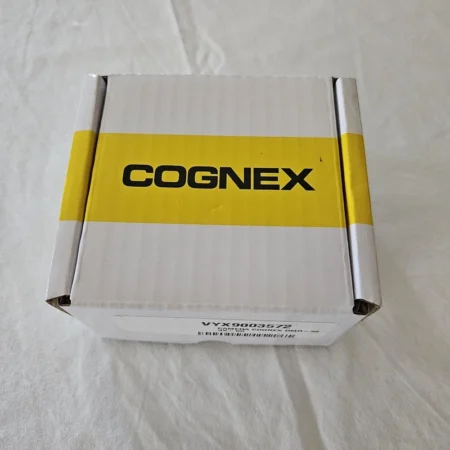 Industrial productDMR-363X-0000NEW Sealed DMR-363X-0000 Bar Code Reader Scanner Cognex Data Man 360 Series
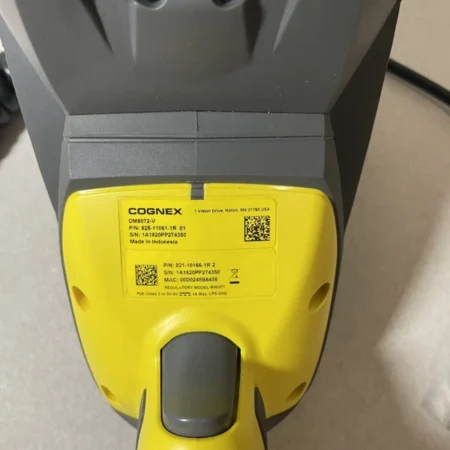 Industrial product2DBarcodeUsed Cognex DM8072V 2DBarcode Verifier Ethernet and Cable
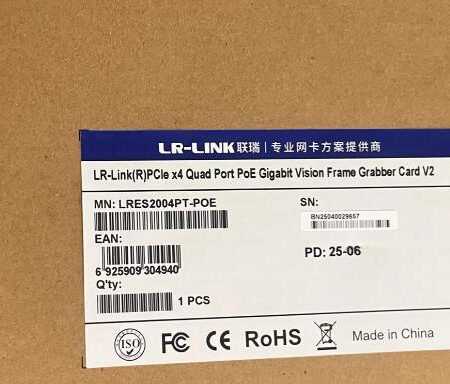 Industrial productLRES2004PT-POELR-Link LRES2004PT-POE PoE+ Vision Frame Grabber Card
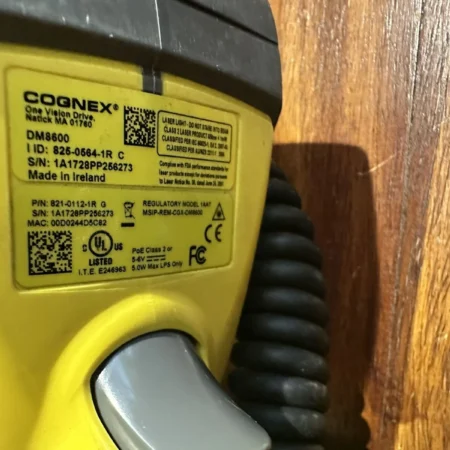 Industrial productDM8600Cognex DM8600 scanner
Product questions
Common product questions
Find answers about product identification, compatibility, condition options and quotation requirements.
How can I identify the correct product?
Check the complete part number, series, revision and product label before requesting a quotation.
How should compatibility be confirmed?
Compare the electrical specifications, communication requirements, accessories and existing system documentation.
Which condition options are available?
Products may be offered as new, surplus, refurbished or used. The quotation will state the supplied condition.
What information is needed for a quotation?
Provide the part number, quantity, preferred condition, destination and required delivery date.
Need DMR-280X-MAX?
Request a QuoteSend the part number and receive a clear quotation.
Include quantity, acceptable condition, destination and timing. A label photo helps verify the request.